Captions (by Mirage)
Mirage's mobile-first AI video editor (captions.ai). It does one-tap AI Edit, styled auto-captions, 30+ language dubbing, AI actors and twins, Reddit-to-video, and long-to-short Clips, all paid for with one monthly credit pool.
What it is
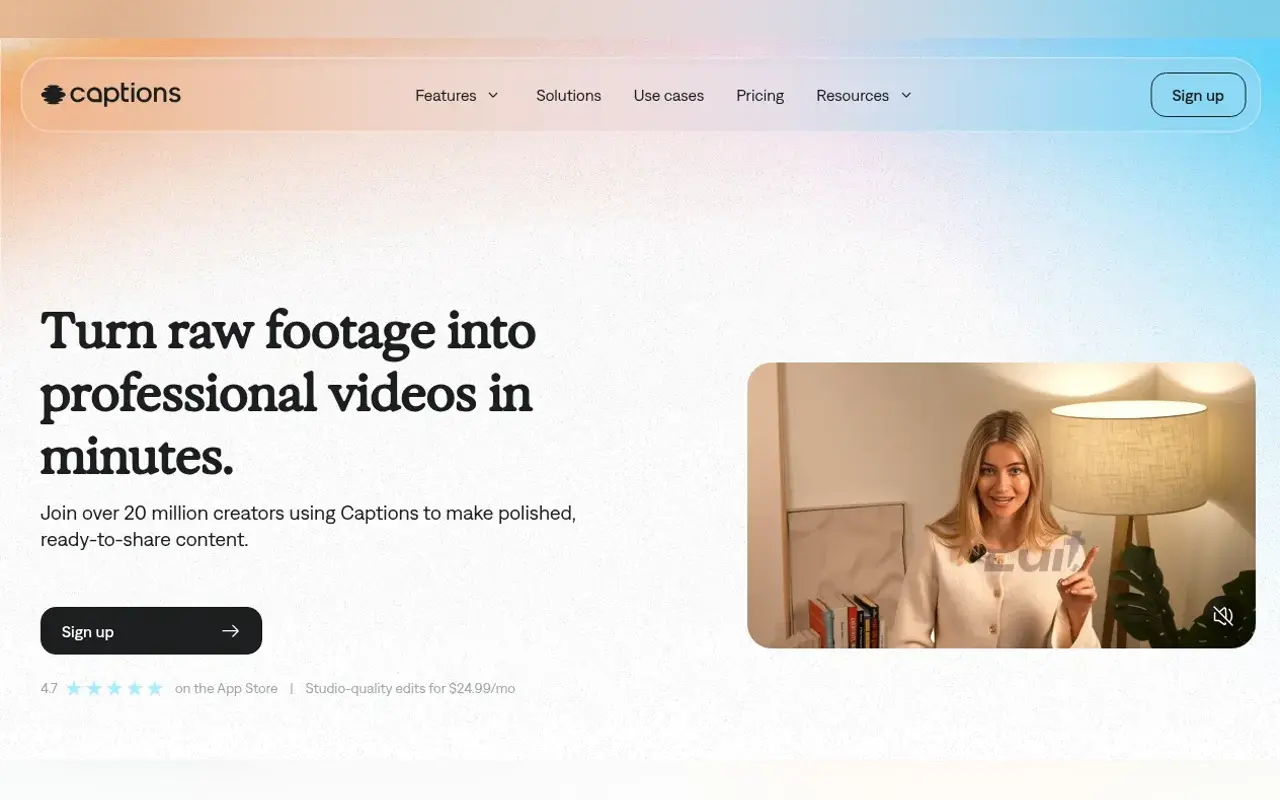
Captions is an AI video editor app made by Mirage. On 2025-09-04 the company changed its name from Captions to Mirage. The CEO’s “Introducing Mirage” post says the Captions app stays central, and mirage.app describes the company as the team behind the Captions app, the Mirage models, and the Mirage API. The old Mirage Studio product has since merged into Captions. Former Studio subscribers now log in at Captions online, and their projects and actors are still there.
It started as an auto-caption app. It now covers most of a short-form workflow: AI Edit (pick a style and it cuts scenes, adds B-roll, zooms, music, and transitions), a chat-based editor that takes typed instructions, styled auto-captions with subtitles in 100+ languages, AI dubbing, AI voiceover, and Clips for turning long videos into Shorts. For faceless channels, the important part is generation. Prompt to Video takes a script or prompt and returns an edited talking video with a Mirage-generated actor that doesn’t exist, plus generated B-roll. Reddit to Video turns a Reddit comment into a narrated Short with background footage.
It runs on iOS, Android, and the web. The help center makes clear it is iOS-first. Many features are missing from Captions on Web.
Who it’s for
Try it if your channel needs a presenter but you won’t be on camera. Mirage actors, AI Creator scripts, and AI Echo (record the read yourself, and the avatar copies your delivery) are the main reason to choose Captions over a caption-only tool. It also suits Reddit-story Shorts operators who want one app for narration, background footage, and captions. And it suits anyone with long recordings who wants ranked vertical clips.
Skip it if you only need burned-in captions. Submagic or CapCut already cover that, and Captions puts most of its value behind credits. Skip it if you work mainly on a desktop. The help center’s platform table lists AI Twins, AI Voiceover, AI Dubbing, AI Trim, AI Zoom, keyframes, and caption generation as unavailable on Captions on Web. The web guide also says projects are stored locally, don’t sync between devices, and are deleted when you log out. Skip it for long-form too. AI Creator videos max out at 1 minute (10–800 character scripts), AI Edit handles up to 2 minutes on iOS and 1 minute on web, and the manual editor tops out around 10 minutes. For a full timeline edit, use Descript, CapCut, or VEED. For a dedicated avatar studio, compare HeyGen or Synthesia.
Standout details
- Official site: captions.ai. Pricing: captions.ai/pricing. Help center: captions.ai/help. Company: mirage.app.
- Plan naming, reconciled. The live pricing page shows Max, Frontier, Frontier 2x, Frontier 4x, and Enterprise. The help center says Frontier was formerly Scale, and that only the names changed, not features or prices. Basic was formerly Pro. Older guides and reviews that mention Scale at $69.99, $139.99, and $279.99 refer to these same tiers.
- Credit math to sanity-check before you buy. Prompt to Video costs 16 credits per 6 seconds. On Max’s 500 credits, that is roughly 3 minutes of fully generated talking video a month, before any extra B-roll, music, or chat edits. Premium B-roll models eat credits fast: Veo 3 is 64 credits per 4-second clip and Kling 2.1 is 140 credits.
- Rollover conflict in the official docs. The pricing page FAQ and the current “Understanding Credits” doc both say unused credits roll over on Basic and up, capped at 3x your monthly allowance. An older Mirage-section help page still says monthly credits don’t roll over and lists Mirage video at 8 credits per second. Trust the pricing page, and confirm in your account.
- Faceless-relevant tools. Reddit to Video works from a comment URL only, not a whole post; you choose the voice and background, and custom backgrounds are listed as coming soon. AI voiceover models include ElevenLabs Multilingual v2 and Flash v2.5, Cartesia Sonic, and OpenAI, and a voice clone takes a 1-minute read. Clips accepts uploads up to 3 hours or 10 GB, or a YouTube link, and returns ranked clips of about 30 seconds each. It also detects captions already burned into the footage.
- Languages. Dubbing covers 30+ languages (31 listed in the help center). Caption translation covers 100+. Prompt to Video generates in 39 languages, per its FAQ.
- Gen-AI B-roll models (Max and Frontier) include Veo 3, Ray 2, Pika 2.2, Kling, and MiniMax for video, plus Flux, Imagen, Ideogram, and GPT-4o for images. Model lists and per-model credit costs change often.
- Rights. The Terms (effective 2025-09-04, Mirage US LLC) say you own your Input and Output, subject to Mirage’s rights in its own content. They also give Mirage a license to use your Input and Output to improve its services. The help center says AI Creator and Prompt to Video videos can be used commercially. Training-data exclusion is listed only under Enterprise.
Honest verdict
Try it. Captions is one of the few apps that can generate a talking AI actor, edit it, caption it, and dub it in one place. That makes it a real option for faceless Shorts and TikTok channels that want a human-looking host without filming.
Use Free only to test the editor and caption styles. The 60–200 credits are one-time, and the generative features you’d actually buy it for start at Max ($24.99/mo, 500 credits). Do the credit math against your posting schedule first: at 16 credits per 6 seconds, daily generated videos will push you toward Frontier. Expect an iOS-first experience. Don’t count on the web app for avatars, dubbing, or voiceover, and don’t leave projects only in a browser session. Re-check captions.ai/pricing, the help center credit table, and the rollover rules the day you subscribe. The rename from Scale to Frontier, and the conflicting help pages, show how often these details change.