Clipchamp
Microsoft’s free-first browser/Windows video editor that captions, stocks, and voiceovers faceless Shorts/TikToks without a CapCut install — Premium or Microsoft 365 unlocks 4K and the fuller stock/brand kit.
What it is
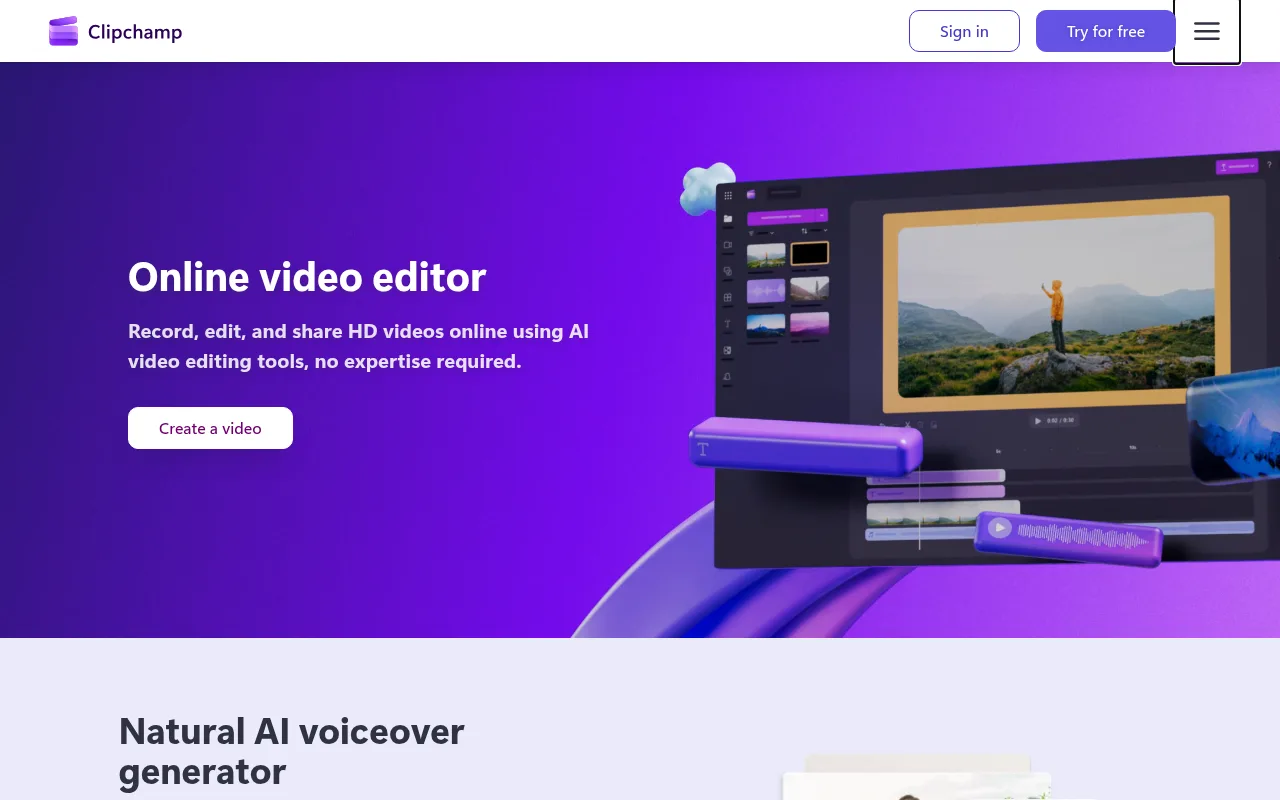
Clipchamp (clipchamp.com; Microsoft Clipchamp) is a browser and Windows video editor aimed at everyday creators. Sign in with a personal Microsoft account at app.clipchamp.com (Edge/Chrome) or open the Windows 11 built-in / Microsoft Store app, drop voiceover and B-roll on a multitrack timeline, auto-caption, pull royalty-free stock, and export — unlimited watermark-free files up to 1080p on Free (official pricing FAQ).
For faceless YouTube/TikTok the practical job is assembly: narration (record or AI text-to-speech), coverage (your clips + free/premium stock), burn-in captions, vertical 9:16 or 16:9 export, then upload. Official homepage sells AI voiceover, AI subtitles in 80+ languages, screen/camera/voice recording, noise/silence cleanup, and a royalty-free content library. Direct export targets on personal plans include YouTube and TikTok (feature comparison matrix).
It is not CapCut. CapCut is the mobile-first Shorts factory with a denser effects culture; Clipchamp is the Microsoft-login browser/Windows desk with a friendlier free export story (no watermark at 1080p). It is not VEED (already listed): VEED is a browser editor with its own credit/watermark ladder; Clipchamp’s free tier already ships watermark-free HD. It is not Descript (already listed): Descript is transcript-first edit-by-text; Clipchamp is a classic timeline. It is not Submagic or Opus Clip — those specialize in caption polish or long-to-shorts; Clipchamp is the full edit desk. It is not InVideo / Fliki / Pictory (script-to-stock assemblers). It is not ElevenLabs (voice factory) or Epidemic Sound / Artlist (music libraries) — though Clipchamp’s in-app stock audio is largely Storyblocks-licensed for projects you export from Clipchamp. It is not Pexels / Pixabay as standalone libraries; stock lives inside the editor and is not meant to be pulled as raw files into CapCut.
Who it’s for
Use it if you never appear on camera and you want one free Microsoft-account timeline that can caption, stock-cover, and optionally TTS a Short or TikTok without installing CapCut or paying VEED to kill a watermark. Free is a real publish path for 1080p faceless work when free stock + your own VO is enough. Step to Microsoft 365 Personal/Family when you already want Office/OneDrive and need 4K, Brand kit, and premium stock/filters in the same seat. Step to standalone Clipchamp Premium when you want the paid Clipchamp path without buying the whole Microsoft 365 bundle.
Skip if CapCut already owns your phone-first Shorts loop and you only need captions (stay on Submagic) or only need a narrator (stay on ElevenLabs). Skip treating in-app Storyblocks beds as claim-proof on YouTube — official claim help says Content ID can still fire and you may need Storyblocks’ dispute form for eligible tracks. Skip expecting Premiere/DaVinci depth (no serious keyframe/motion-tracking desk). Skip the work/school Clipchamp SKU path unless your org licenses it — this listing is the personal/creator lane at clipchamp.com.
Standout details
- Official surfaces: clipchamp.com · app app.clipchamp.com · pricing clipchamp.com/en/pricing · feature matrix support.microsoft.com (personal vs work) · stock license + Storyblocks claim help on Microsoft Support · Premium sticker table on microsoft.com/en-us/windows/photo-movie-editor · Microsoft 365 Personal/Family stickers on the Microsoft Store compare page.
- Free floor (pricing FAQ + live matrix, 2026-09-16): unlimited projects/exports · watermark-free · up to 1080p · free stock · AI tools listed on Free (subtitles, voiceovers, silence removal on pricing FAQ) · Brand kit not included · content backup on OneDrive listed Included on Free and Premium in the live Free/Premium matrix (reconfirm in-app if your account differs).
- Paid personal paths: Microsoft 365 Personal/Family unlock Clipchamp Premium features (support + pricing page). Standalone Clipchamp Premium remains available (support purchase article). Live USD stickers verified 2026-09-16: Premium US$11.99/mo or US$119.99/yr (Windows photo-movie-editor table); M365 Personal US$9.99/mo / US$99.99/yr · Family US$12.99/mo / US$129.99/yr (Microsoft Store compare page).
- Aspect ratios on the personal feature matrix: 16:9, 9:16, 1:1, 4:3, 4:5, 2:3, 21:9 — enough for YouTube long-form and Shorts/TikTok.
- Stock license (official stock help): commercial and non-commercial use inside exported Clipchamp videos when your plan includes the assets; no redistributing raw stock into other editors. Primary partner: Storyblocks (copyright-claim article).
- Capture: webcam, screen, and voice recorder on Free. Export destinations on personal: local, OneDrive, Google Drive, Dropbox, YouTube, TikTok, LinkedIn (feature matrix).
- Traffic signal for this pick: AICPB AI Video Editing Rankings (Jun 2026) list Clipchamp at ~7.60M monthly visits (#2) — ahead of Kapwing ~5.10M, Ideogram ~3.34M (image), Luma ~2.8–3.6M, Pika ~2.04M, and Udio ~1.65–1.67M on the same-era public rankings used for prior Stack picks. Draft held 2026-09-15 after PixVerse shipped (one-per-day rule); Clipchamp still absent from GitHub main and unseenstack.com on 2026-09-16.
Honest verdict
Use it. After PixVerse shipped, Clipchamp is the strongest public traffic/search-intent pick still missing from Unseen Stack for faceless editing — a free watermark-free 1080p Microsoft timeline that already covers captions, light TTS, and stock, without forcing a CapCut install.
Start on Free and ship. Move to Microsoft 365 Personal when 4K, Brand kit, or premium stock matters and you will use the Office/OneDrive seat anyway (often cheaper than standalone Premium). Buy standalone Clipchamp Premium when you want the paid Clipchamp path without the full Microsoft 365 bundle. Keep CapCut when mobile effects/speed win; keep VEED when that browser credit desk already fits; keep Descript for transcript-first cuts; keep Submagic/ElevenLabs/Epidemic/Pexels when one job is already solved. Re-check clipchamp.com/en/pricing, the Windows Premium sticker table, Microsoft 365 compare stickers, and stock/Terms the day you subscribe — Microsoft merchandising and M365 bundle names have been moving through 2026.