Fliki
Browser text-to-video tool that turns a script or prompt into a narrated short with 2,000+ AI voices, stock or AI visuals, music, and captions in one workspace.
What it is
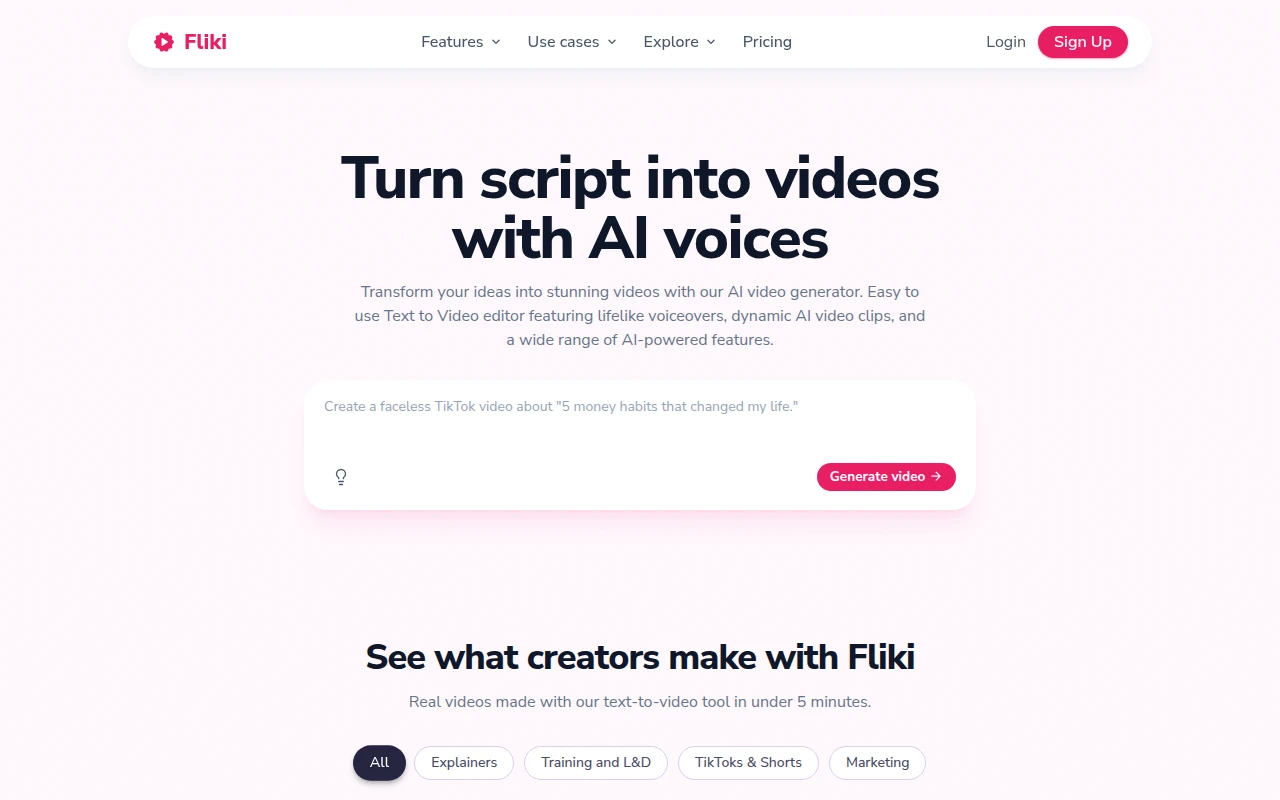
Fliki (fliki.ai) is a browser AI video and voice workspace. Official homepage pitch: turn text into videos with AI voices. You paste a script, blog, PPT, or one-line prompt; Fliki can write or segment the script, pick visuals, add AI voiceover, music, and subtitles, then hand you a draft aimed at TikToks, Shorts, explainers, training, and marketing clips.
It is not CapCut. CapCut is a timeline-first editor you drive shot by shot. Fliki’s pitch is script-first assembly with a huge built-in voice library. It is not ElevenLabs alone. ElevenLabs is voice generation and cloning; Fliki bundles voices with stock/AI media and a video editor so you leave with a file, not just an MP3. It is not InVideo. InVideo leans agent/Autopilot and generative model menus; Fliki’s public positioning centers on 2,000+ voices across 80+ languages, Series planning for a posting cadence, and Digital Twin / avatar paths when you want a presenter without filming.
Homepage claims checked for this review: 2,000+ AI voices, 80+ languages, 12M+ users, 100M+ videos created. Feature surface also lists blog-to-video, PPT-to-video, voice cloning, AI avatars, AI video translator/dubbing, AI image generation, and one-click publish paths to TikTok, Instagram, and YouTube on paid tiers.
Who it’s for
Use it if your faceless bottleneck is “script to narrated short” and you want one tool for voice + stock-style scenes instead of ElevenLabs + Pexels + CapCut. Official creator path fits high-volume Shorts: idea or script in, AI voice and visuals out, templates for TikTok/Reels/YouTube Shorts, optional Series so the tool plans and drafts a schedule. Multilingual channels are a fit: homepage and features pages stress 80+ languages and dialect coverage, with voice cloning on paid plans.
Skip Free as a publishing plan. Official Free card: 3 credits per month, 1-minute export cap, 720p, watermark, no commercial rights. Skip Fliki if you already have a working CapCut + ElevenLabs loop and only need better B-roll (Pexels/Pixabay/Runway) or captions (Submagic). Skip it if you need photoreal talking-head avatars as the product—HeyGen (already listed) or Synthesia are the avatar-first lane; Fliki’s Digital Twin / avatars exist, but the search-intent win here is voice-first text-to-video.
Credit math is the gate. Pricing-page estimator: about 0.5 credits per minute when media is upload or stock, with the footnote that AI video and avatar share raise the bill. Standard’s ~180 credits/month is plenty for short-form narration on stock; burn Premium credits only when you lean on AI video clips, long exports, or heavier avatar use.
Standout details
- Pricing (official fliki.ai/pricing, monthly/yearly toggle shows 25% off yearly; dollar figures cross-checked against Fliki’s own 2026 plan comparisons and live-page reads cited by independent 2026 pricing writeups—reconfirm on the live page): Free $0; Standard $28/mo · ~$21/mo yearly; Premium $88/mo · ~$66/mo yearly; Enterprise custom. Cancel anytime language appears on the paid cards.
- Credits (pricing compare table): Free 36/year (= 3/month on the Free card); Standard 2,160/year; Premium 7,200/year. FAQ on the pricing page: Standard’s credit pool is framed as about 180 minutes of credits, with example output of ~60 one-minute, ~12 five-minute, or ~6 ten-minute videos depending on re-renders.
- Export caps (pricing compare): Free 1 minute · 720p · watermark; Standard 15 minutes · 1080p · no watermark; Premium 40 minutes · 1080p. Note: a pricing FAQ still says Premium max length 30 minutes—use the live compare table and re-check before long-form jobs.
- Voices (homepage + pricing): Free 300 voices; Standard ~1,000 with 500 ultra-realistic; Premium 2,000+ with 1,000+ ultra-realistic / multilingual expressive. Features pages also claim 100+ accents/dialects.
- Voice cloning & avatars (pricing compare): cloning starts at Standard (1 clone) and Premium (3); AI Avatar limited on Standard, fuller on Premium; Premium adds AI video clips and photo avatars.
- Rights: paid plans include commercial rights and YouTube-licensed / royalty-free media claims on the pricing FAQ; Free does not include commercial rights. Confirm license language for monetized channels before you publish.
- Workflow extras on paid tiers: Series (1 on Standard, 3 on Premium), translate, YouTube publishing quotas (50 / 100 publications per month on Standard / Premium), brand kits, Make/Zapier on paid, API on Premium+.
- Models gallery (homepage): Fliki positions third-party video/voice/image models (examples named on-page include Gemini, Minimax, Kling, ElevenLabs, and others) inside one generator—treat model lists as moving; check the live gallery.
Honest verdict
Try it. Fliki is the strongest unlisted search-intent pick for faceless script-to-video once InVideo, HeyGen, CapCut, and ElevenLabs are already on the shelf—especially if voice variety and multilingual Shorts matter more than agent-style generative film. Start on Free to hear voices and test the editor, then move to Standard before any monetized upload (watermark off, commercial rights on). Keep Premium for longer exports, heavier AI-clip/avatar use, or API/team needs.
Do not buy Fliki to replace a dedicated voice stack you already love, or a timeline editor you already finish in. Pair it with CapCut only when you need finer cuts after the draft. Re-check fliki.ai/pricing and the credit estimator before you subscribe—promo and geo pricing can move the sticker, and AI-media share changes the real cost per minute.