InVideo
Browser AI video maker that turns a prompt or script into a cut with stock or generative visuals, voiceover, captions, and music in one workspace.
What it is
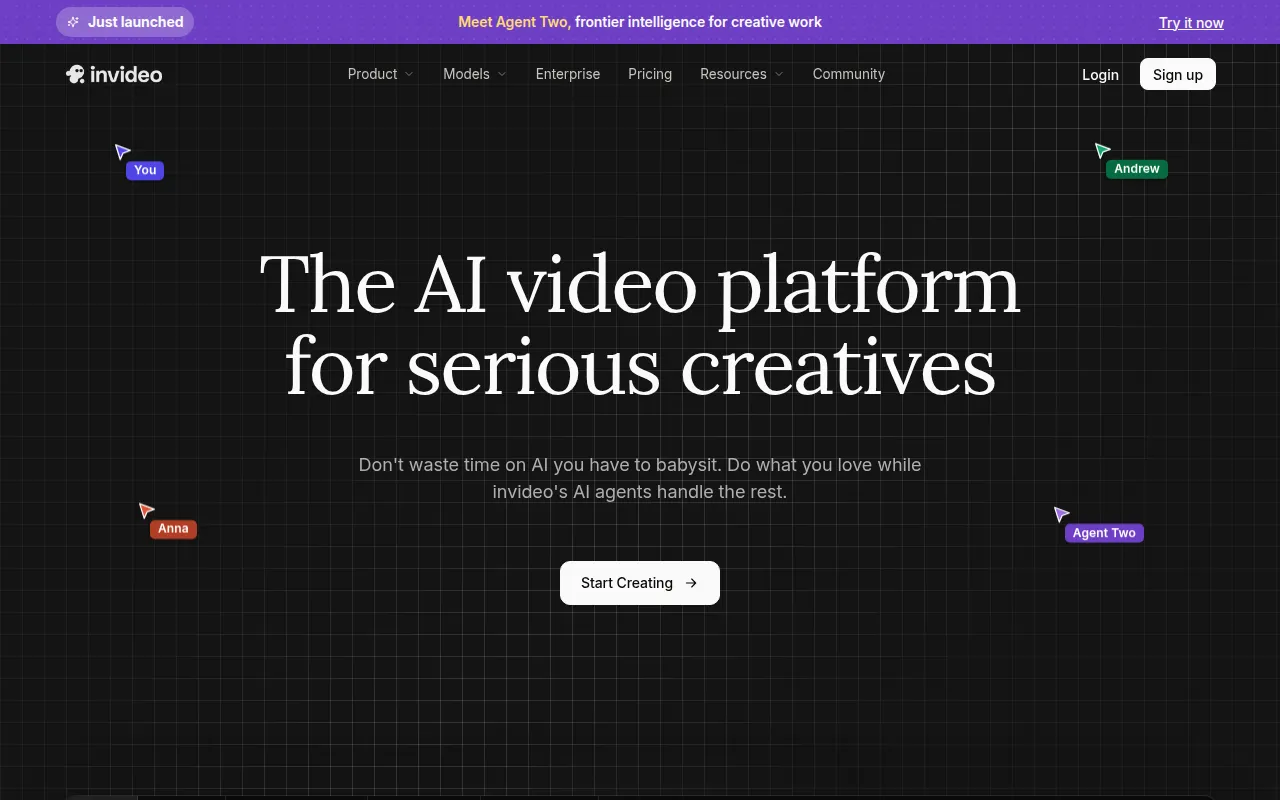
InVideo (invideo.io; also branded invideo AI) is a browser workspace for making finished videos from a brief. The current product centers on AI agents (homepage: Agent Two) plus Autopilot and an Agents & Models panel. You describe a video, and the stack can write a script, pick or generate visuals, add voiceover, captions, and music, then open a timeline editor for fixes.
It is not CapCut. CapCut is a timeline-first editor you drive shot by shot. InVideo’s pitch is the opposite: the agent or Autopilot builds a draft, then you steer. It is also not Opus Clip. Opus Clip needs a long finished file and cuts shorts from it. InVideo starts from text or a brief and builds the file.
Two creation paths matter for faceless work. Autopilot has Basic, Pro, and Ultra quality. Official help: Basic uses only stock from their library (no generative pixels). Pro and Ultra use generative models (help names examples like Veo 3.1 fast / Sora 2 for Pro, and flagship Veo 3.1 / Sora 2 for Ultra). Agents & Models exposes 200+ image, video, and audio models (pricing page lists Seedance 2.5, Veo 3.1, Kling 3, Nano Banana, ElevenLabs music, and more), with stock from providers including iStock and Storyblocks.
Who it’s for
Use it if your bottleneck is “script to a first cut” and you would rather babysit one agent than stitch ElevenLabs + Pexels + CapCut yourself. Faceless fits that Autopilot Basic path: stock coverage under AI voice, then export. Social, ads, and explainers are the use cases the homepage calls out.
Do not buy Max or Generative assuming 75–390 credits mean hours of Veo-style film. Official Autopilot rates: Basic is 2 credits per minute, Pro is 80, Ultra is 160. On Plus (75 credits), that is roughly 37 minutes of Basic stock video, or under one minute of Pro generative. Human / Pro actors from their library add 20 credits per minute on top of the model cost. If you already edit in CapCut and only need a voice and free B-roll, stay on ElevenLabs + Pexels.
Free is for poking around. Help: limited credits, no card required, weekly reset Monday 00:00 UTC. It is not a publishing plan.
Standout details
- Pricing (official pricing page + official FAQ “Which InVideo pricing plan is best…”, last updated July 27, 2026): Individual monthly list is Plus $20, Max $100, Generative $200, Elite $1,000. Annual cards show Plus $17/mo billed $200/yr, Max $85/mo billed $1,000/yr, Generative $170/mo billed $2,000/yr, Elite $900/mo billed $10,800/yr (Elite annual discount listed at 10%; others 15%).
- Credits by plan (pricing cards): Plus 75/mo, Max 390/mo, Generative 800/mo, Elite 4,250/mo. Paid plan credits reset on the renewal date and do not carry forward (help center). Extra purchased credits last 12 months from purchase and expire with the subscription. Free credits reset weekly.
- Paid plan inclusions called out on the cards: access to all listed AI models and workflows; AI video trends; 4 / 16 / 40 / 200 AI avatars and voice clones; rising concurrency vs Plus; 20 GB / 100 GB / 2 TB / 10 TB storage; 100 / 200 / 1,000 / 5,000 iStock; unlimited exports without watermark. Model and agent prices can change; on-demand credit top-ups exist.
- Autopilot (help “Basic, Pro, and Ultra”): Basic = stock only, 2 credits/min. Pro = generative standard, 80 credits/min. Ultra = flagship generative, 160 credits/min. Credits are charged for creation, not for download/export (plans-and-credits help).
- Agents: charges follow the models used in each exchange. Modes include Lite / Pro / Ultra. You can set Always allow, ask before videos, or always ask before generating. Project usage and per-message credit breakdowns are in the UI. Exact model costs are shown before confirm and listed at invideo.io/help/billing/video-model-pricing.
- Product surface (homepage / help): storyboarding from a script, in-app script writing, timeline editor, multiplayer with live cursors, custom agents, Agents & Models for named models. Security claims on the homepage: SOC 2 and GDPR compliant, ISO aligned.
- Team & Enterprise sits on a separate tab of the pricing page. This listing sticks to Individual facts verified above.
Honest verdict
Try it. Start on Free, then Plus, and run Autopilot on Basic for a real faceless script before you pay for Max. If Basic stock drafts are good enough to finish in the timeline, Plus can cover a light weekly cadence. If you need Pro or Ultra generative looks, budget Max or Generative and treat credits like film stock: storyboard and approve prompts first, because unused plan credits vanish at renewal.
Skip it as your only tool if you already have a CapCut + ElevenLabs + Pexels loop that works. InVideo earns the slot when the blank timeline is the pain, not when you only need captions or a clipper. Re-check the pricing page before you subscribe; credit costs and model lists move.