Kapwing
Browser AI video desk (Studio + Kai) that generates, captions, dubs, and repurposes faceless Shorts/TikToks — Free is watermarked; Pro is the real ship seat.
What it is
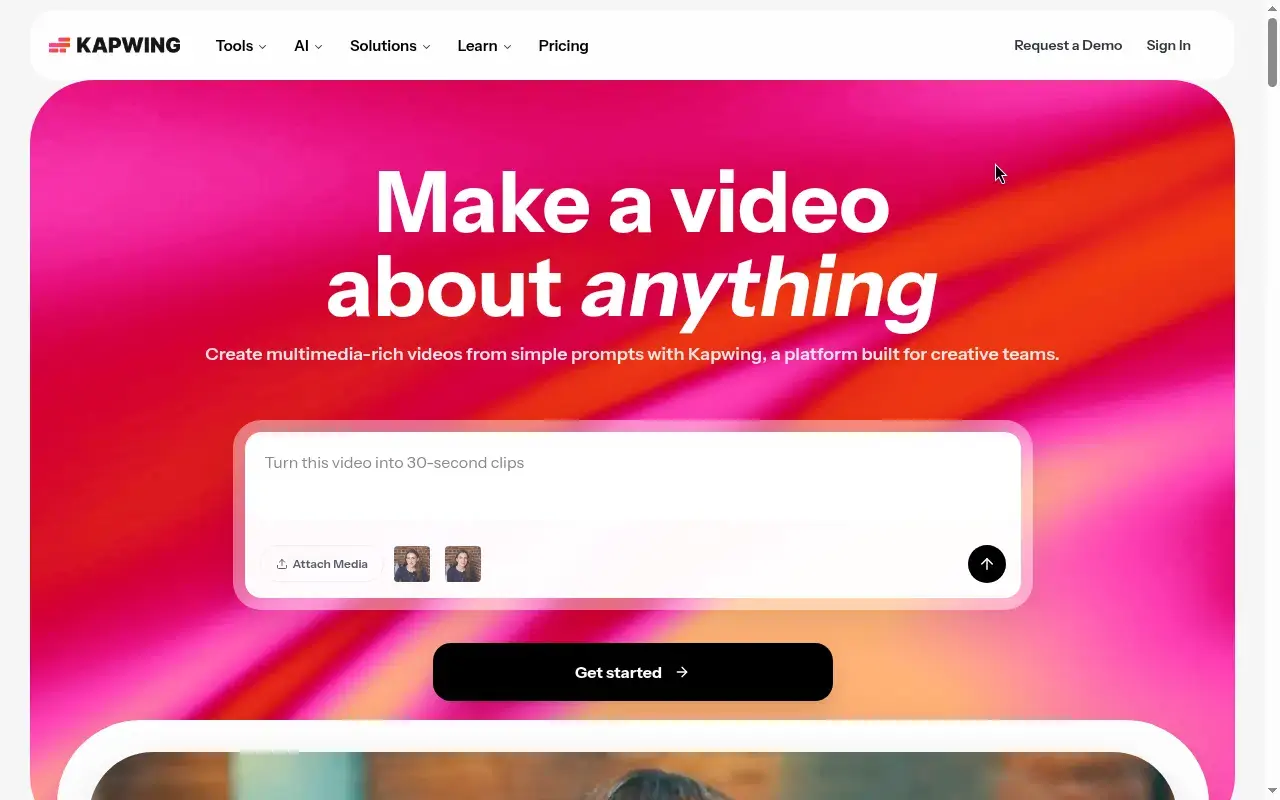
Kapwing (kapwing.com) is a browser-based content creation platform: Kapwing AI (including conversational assistant Kai) for prompt/script/PDF-to-draft generation and assisted edits, plus Kapwing Studio — a collaborative timeline/canvas for trim, layers, subtitles, audio, and export. Official homepage and AI pages sell multimedia-rich videos from simple prompts, auto-subtitles, translation/dubbing, text-to-speech, Smart Cut, Clean Audio, and Repurpose Studio (long video → social clips). No desktop install; Chromium browsers (Chrome/Edge) are recommended; mobile is browser-only (no current iOS/Android app download per FAQ).
For faceless YouTube/TikTok the practical jobs are: (1) generate or assemble a draft (prompt, script, article, or stock + VO), (2) burn captions / TTS / dub, (3) resize and clip for 9:16 Shorts/TikTok, (4) export MP4. Aspect ratios listed on the AI editor FAQ include 16:9, 9:16, 1:1, 4:5, and more. AI marketing pages name integrated models (e.g. Veo, Kling, Seedance, MiniMax, Sora, and others — list changes) and ElevenLabs for voice technology.
It is not CapCut (already listed): CapCut is the mobile-first Shorts factory with a denser effects culture and a stronger free publish path; Kapwing is the cloud desk with AI gen + Studio + team Brand Kit in one login. It is not Clipchamp (already listed): Clipchamp’s Free tier already ships watermark-free 1080p Microsoft-login exports; Kapwing Free always watermarks and caps at 720p / 4 minutes. It is not VEED (already listed): same browser-editor lane with a watermarked free floor — Kapwing’s differentiator is the combined Kai + Studio + Repurpose Studio merchandising and per-member Pro/Business stickers you can read on kapwing.com/pricing. It is not Submagic or Opus Clip (already listed): those specialize in caption polish or long-to-shorts; Kapwing’s Repurpose Studio overlaps Opus-style clipping but sits inside a full editor. It is not InVideo / Fliki / Pictory (already listed): those lean script-to-stock / AI presenter assemblers; Kapwing is a general browser edit desk that also generates. It is not Descript (already listed): Descript is transcript-first edit-by-text as the core product; Kapwing offers transcript trim among many Studio tools. It is not ElevenLabs alone (voice factory) or Epidemic Sound / Artlist (music libraries) — Kapwing bundles TTS/dubbing/credits and stock assets inside the workspace subject to plan and Terms.
Who it’s for
Use it if you never appear on camera and you want one browser seat that can draft with AI, polish on a timeline, auto-caption, voice/dub, and carve shorts from longer uploads — and you accept that shippable output means a paid plan. Pro is the individual/small-group seat for watermark-free 4K exports, 1,000 monthly credits, Brand Kit, and 100 GB storage. Step to Business when you need voice clones, lip sync, 4,000 credits/mo, credit top-ups, or 500 GB. Stay on Free only to learn the UI and burn the tiny credit pool; do not treat Free as a publish path.
Skip if CapCut already owns your phone-first Shorts loop and you only need captions (Submagic) or only a narrator (ElevenLabs). Skip if Clipchamp’s free watermark-free 1080p Microsoft timeline already covers your VO + stock + captions stack and you refuse another paid seat. Skip if you need offline editing (Kapwing requires internet). Skip expecting Premiere/DaVinci depth. Skip Free for client or monetized uploads — official FAQ and AI FAQ both state Free exports carry a Kapwing watermark.
Standout details
- Official surfaces: kapwing.com · pricing kapwing.com/pricing · AI editor kapwing.com/ai · AI video generator kapwing.com/ai-video-generator · Repurpose Studio kapwing.com/tools/repurpose · Help (FAQ, credits, Pro vs Business) · Terms kapwing.com/policies/terms-of-service.
- Free floor (live pricing + FAQ, 2026-09-17): $0 · 10 lifetime credits · watermark on every export · 720p · max export length 4 minutes · Free upload 250 MB/file (FAQ) · Free project retention ~3 days · 1 workspace folder. Enough to try; not enough to ship.
- Pro stickers (live pricing, 2026-09-17): $16/member/mo annual or $24 monthly · 1,000 credits/mo · no watermark · 6 GB uploads · up to 120-minute exports · 4K · Brand Kit/custom fonts · shared workspace · 100 GB storage.
- Business stickers (live pricing + subscription FAQ, 2026-09-17): $50/member/mo annual or $64 monthly · 4,000 credits/mo · voice clones · lip sync · buy credit packs · 500 GB. Enterprise is custom (SSO, dedicated manager, custom credits).
- Credits (help updated 2026-09-10): shared pool across TTS, subtitles, translations, Repurpose Studio, dubbing, lip sync, clean audio, AI image/video/audio generation, and more. Some Studio tools (e.g. Smart Cut, chroma key, stabilize) listed as not consuming credits for paid users — Free may still limit access. Failed jobs should auto-refund credits; disliked successful AI gens generally do not.
- Collaboration: shared workspaces, comments, folders, Brand Kits (plan-dependent). Billing is per member on the same cycle; adding seats charges immediately for the remainder of the cycle (Terms).
- Commercial / Terms caveats: FAQ states Kapwing describes AI-generated exports as commercially usable, but you remain responsible for rights to uploads, consent for real people, platform rules, and Kapwing Terms (prohibited: deceptive/illegal/impersonation/etc.; some generative paths also reference third-party AUPs such as Pika). You own content you create; Kapwing gets a license to operate/promote the service. No refunds once upgraded (Refund Policy via Terms). Reconfirm Terms the day you subscribe.
- Traffic / search-intent justification: AICPB AI Video Editing Rankings by Website Visits — Issue 37 (Jun 2026), last updated Jul 8, 2026, lists Kapwing AI at ~5.10M monthly visits (#5), behind Veed.io ~8.76M, ClipChamp ~7.60M, InVideo ~7.10M, and Opus Clip AI ~5.81M on the same public table. Same-era signal cited in the Clipchamp Unseen Stack listing; reconfirmed live on aicpb.com 2026-09-17. After Clipchamp shipped, Kapwing is the highest-traffic name from that ranking still missing from Unseen Stack (ahead of already-listed peers on that table are already covered; do not redo them).
Honest verdict
Try it. Kapwing is a credible all-in-one browser desk for faceless Shorts/TikTok — generate with Kai, finish in Studio, caption/dub, repurpose long cuts — with clear Pro/Business dollar stickers and a public traffic signal that still ranks it ahead of many listed peers on AICPB’s Jun 2026 website-visits table.
Do not confuse Free with Clipchamp Free: Kapwing Free is watermarked, 720p, 4 minutes, and credit-starved. Start Free only to map the workflow, then budget Pro ($16/member/mo annual) if the combined AI + Studio + Repurpose seat beats stitching CapCut + Submagic + a separate generator. Prefer Clipchamp when a free watermark-free Microsoft timeline is enough; prefer CapCut when mobile effects/speed win; prefer Opus Clip / Submagic when you only need long-to-shorts or caption polish; prefer VEED when that credit desk already fits; prefer Descript for transcript-first cuts; prefer InVideo / Fliki / Pictory when you want a script-to-stock assembler more than a general Studio. Re-check kapwing.com/pricing, the credits help article, and Terms the day you subscribe — credit costs, model menus, and plan matrices move.