Kling AI
Native AI video (and image) studio from Kuaishou — text/image-to-video, Multi-Shot, Native Audio, and Motion Control for custom faceless B-roll you cannot pull from stock.
What it is
Kling AI (kling.ai) is Kuaishou’s generative creative studio for AI video and images. The faceless B-roll job is the generative path: text or image (or multi-reference) in, short clip out — then drop that clip over a voiceover in CapCut, VEED, Descript, or whatever timeline you already use.
The current flagship series named on official pages is Kling VIDEO 3.0 / VIDEO 3.0 Omni (plus Turbo marketing on the homepage), with Kling Image 3.0 / Omni alongside Motion Control, Avatar, Effects, and related tools in the Creative Studio / All Tools surface. Official VIDEO 3.0 docs call out Multi-Shot / Custom Multi-Shot (multi-scene “AI Director” coverage), Native Audio (dialogue / ambience / lip sync, multilingual), element / subject reference for consistency, flexible duration up to 15 seconds (3–15s), and native-level on-frame text. Creative Studio is the creator product; the developer API and Enterprise Plan are separate surfaces.
It is not Runway. Runway (already listed) is a multi-model cloud suite (Gen-4.5, Aleph, and other hosted models). Kling is the native Kling model studio — you go to kling.ai for first-party VIDEO 3.0 / Omni controls, not a third-party wrapper. It is not Artlist. Artlist (already listed) bundles Kling-named models inside a music + stock + multi-model AI credits desk; that is a reseller/host seat, not this native Creative Studio. Prefer Artlist when you mainly need claim-safe music/stock and occasional gen clips under one invoice; prefer Kling when you want the full first-party Multi-Shot / Native Audio / Motion Control workflow and credit math. It is not Midjourney. Midjourney is stills; Kling’s core faceless value here is moving B-roll. It is not CapCut, VEED, or Descript — those are editors you drive shot-by-shot; Kling generates the shot. It is not ElevenLabs (TTS factory), Submagic (captions), Epidemic Sound (music), Pexels/Pixabay (filmed stock), HeyGen/Synthesia (avatar presenters), or InVideo/Fliki/Pictory (script-to-stock assemblers).
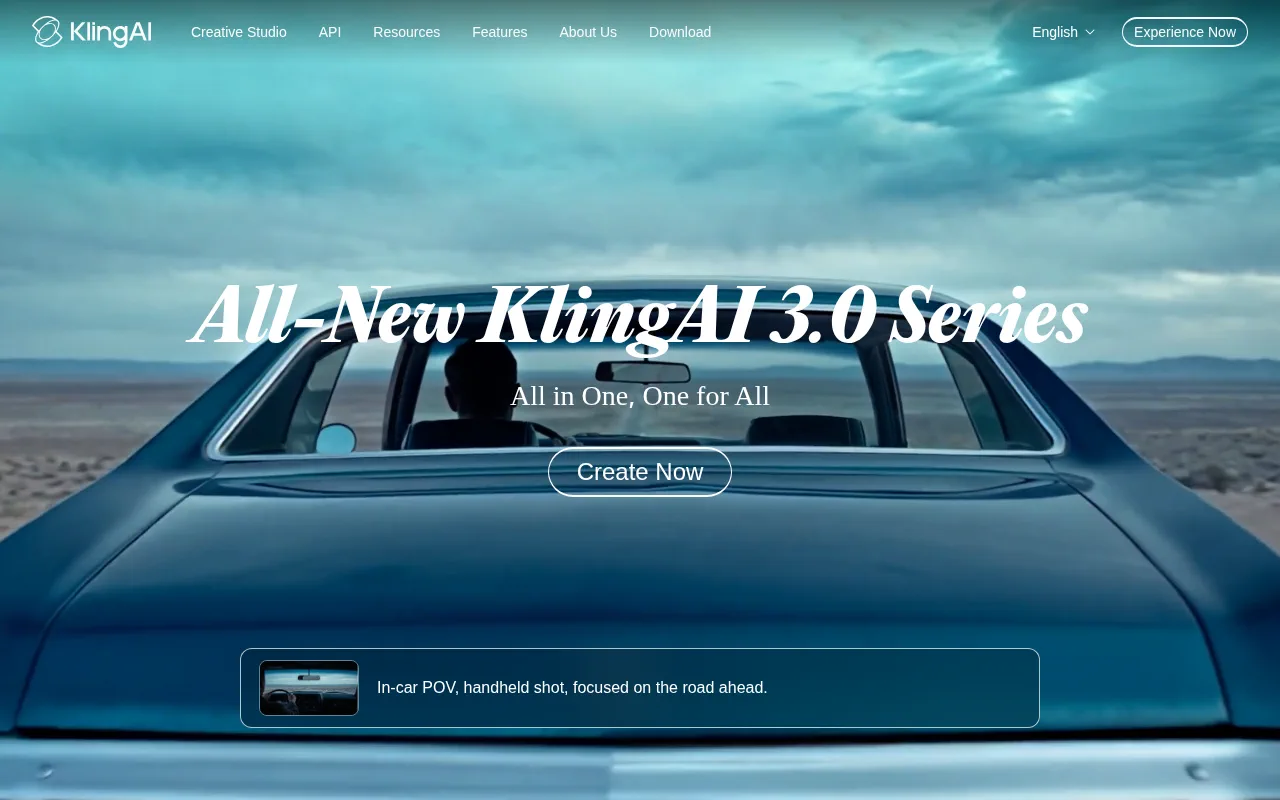
Official homepage framing: “Next-Gen AI Video & Image Generator,” “All-New KlingAI 3.0 Series,” Create Now into the studio. Official paid-service terms (effective 2026-04-21) name Standard / Pro / Premier / Ultra / Team / Enterprise membership grades and commercial-use language for members’ outputs (subject to terms).
Who it’s for
Use it if your faceless bottleneck is “I need custom coverage stock cannot match” — product motion, surreal explainer B-roll, multi-shot micro-scenes, or image-to-video from Midjourney/Canva stills — and you will actually spend monthly credits on VIDEO 3.0 / Omni. Native Audio helps when a clip should carry ambience or short dialogue without a separate SFX pass; Multi-Shot helps when you want several angles from one generation instead of stitching five silent 5s clips by hand.
Skip if you only need free stock (stay on Pexels/Pixabay). Skip if music claims are the only pain (Epidemic Sound or Artlist Music). Skip if you already burn Kling credits happily inside Artlist or Runway and do not need first-party Multi-Shot / Omni controls — consolidating only pays if you cancel a seat. Skip expecting a polished NLE; finish captions, cuts, and Safe Zones in CapCut/VEED/Descript/Submagic. Skip treating Basic/free output as monetizable YouTube/TikTok without checking commercial-use rules — official blog Basic row says generated content is not for commercial use.
Standout details
- Official site: kling.ai — Creative Studio (Generate / Omni / All Tools), docs hub, blog, and separate API / Enterprise paths.
- Models / features named on official pages at review time: VIDEO 3.0, VIDEO 3.0 Omni, Turbo marketing, Kling Image 3.0 / Omni, Native 4K Video, Motion Control, Avatar, Effects, Multi-Shot / Custom Multi-Shot, Native Audio, element reference, video extension, lip sync.
- Duration: official VIDEO 3.0 guide — flexible 3–15 seconds per generation.
- Languages called out for Native Audio dialogue: Chinese, English, Japanese, Korean, Spanish (plus dialect/accent prompting examples in the same guide).
- Membership grades (official Terms of Paid Service): Standard, Pro, Premier, Ultra, Team, Enterprise — exact stickers/credits live on the membership UI.
- Plan table on official credit-cost blog (confirm live): Basic $0 · Standard ~$6.99 intro / $10 shown · Pro ~$25.99 / $37 · Premier ~$64.99 / $92 · Ultra ~$127.99 / $180, with 660 / 3000 / 8000 / 26000 monthly credits on paid tiers.
- VIDEO 3.0 credit burn (official quickstart): Native Audio 12/s @1080p · 9/s @720p; silent 8/s · 6/s; Voice Control +2/s. Blog 4K reference 30 credits/s.
- Credits Policy (official): $1 = 66 purchased credits; membership credits ~1-month validity; purchased credits ~2 years; shorter-validity credits consume first.
- Watermark: official paid terms list watermark removal as a membership benefit; free/non-member watermark rules also appear in product config — check export before publishing.
- Rights: paid-service terms state KLING AI members’ commercial use of Output is not restricted under the listed commercial purposes (except competitive-product development) — still read the live Terms of Paid Service + content rules.
Honest verdict
Use it. Among unlisted faceless-stack tools after yesterday’s Artlist ship, Kling shows the strongest public search/traffic signal in the AI video lane that maps cleanly to B-roll — and it is the native home for the models Artlist and Runway already name-drop.
Start on Basic only to learn prompting and Multi-Shot behavior; do not plan a monetized channel on non-commercial Basic output. Step to Standard when you need watermark-off commercial clips and a 660-credit monthly pool; move to Pro/Premier/Ultra only after you know your weekly 5–15s clip count at the live credits-per-second rates. Keep CapCut/VEED/Descript/Submagic for edit + captions, ElevenLabs (or Artlist voice) for long-form VO, and Epidemic/Artlist for claim-safe beds. If you already pay Artlist AI Suite mainly for Kling generations, compare credit math before stacking a second Kling membership. Re-check the in-app membership page, generation-panel credit quote, and Terms of Paid Service the day you subscribe — consumer stickers are promotional and JS-heavy.