Midjourney
Paid AI image (and short video) generator that turns text prompts into custom stills you can crop into faceless YouTube or TikTok thumbnails when stock and Canva templates look recycled.
What it is
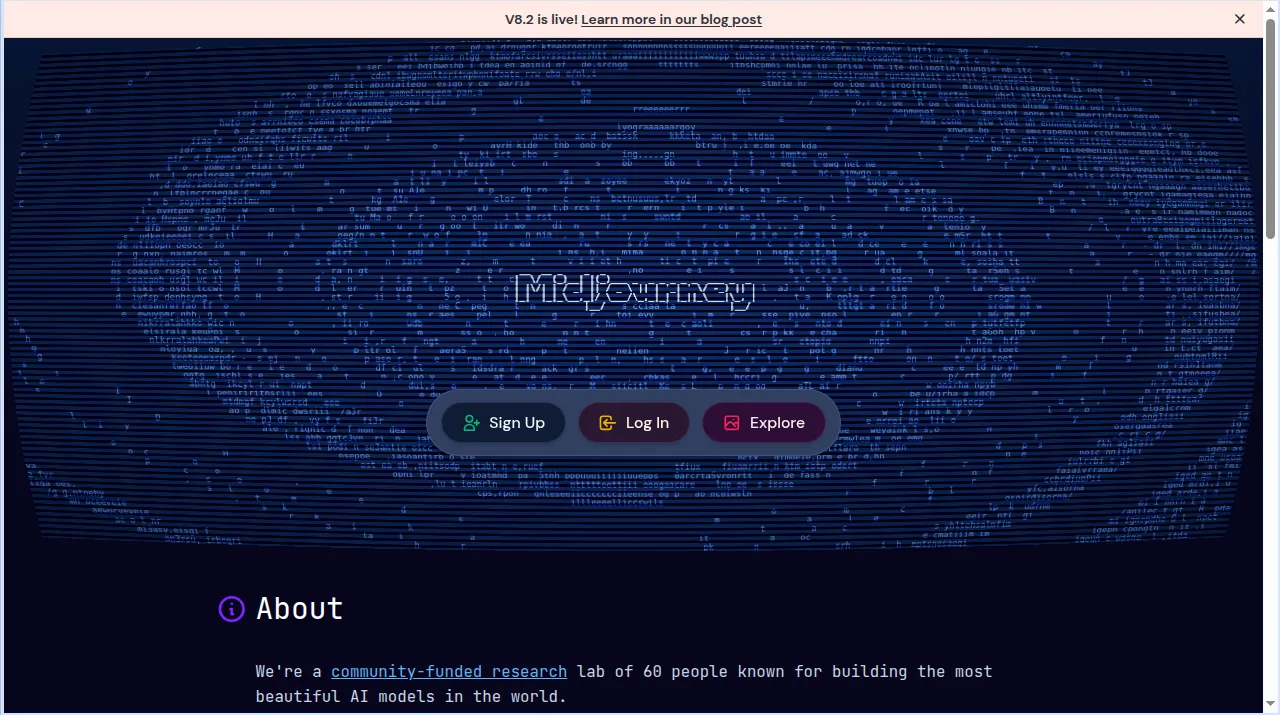
Midjourney (midjourney.com) is a subscription AI generator for images and short videos. Official homepage positioning: “An independent research lab exploring new mediums of thought and expanding the imaginative powers of the human species.” As of the live homepage banner checked for this review, V8.2 is live. You prompt on the web (Imagine bar) or via Discord; the account is the same either way.
For Unseen Stack the job is stills: prompt a custom scene, set aspect ratio (official docs list --ar 16:9 as widescreen / HD-video standard and --ar 9:16 for vertical mobile), upscale, then drop that still into Canva or CapCut as a thumbnail or cover frame. Optional second path: official Video docs let you turn an image into a 5-second clip (extend up to four times to 21 seconds max) with motion controls—useful for animated hooks, not a full timeline editor.
It is not Canva. Canva is a template-and-text thumbnail maker with drag-and-drop layout. Midjourney invents the picture; you usually finish the title overlay elsewhere. It is not Runway. Runway’s listing job is generative B-roll clips and AI video edits. Midjourney’s primary strength here is still-image quality for clickable covers, with short Animate Image video as a side feature. It is not Pexels or Pixabay. Those are free stock libraries of filmed photos and clips; Midjourney generates new images from prompts under a paid GPU meter.
Who it’s for
Use it if your faceless channel needs thumbnail or cover stills that do not look like the same Canva pack everyone else uses—custom characters, niche scenes, stylized backgrounds, or prompt-built product mood frames. Official paths that fit: (1) web or Discord image prompts with --ar 16:9 (or 9:16 for vertical covers); (2) Settings panel defaults for aspect ratio so every run matches the platform; (3) Animate Image / Video when you want a 5–21s motion version of that still for Shorts intros; (4) Standard or higher when you need Unlimited Relax images so you are not burning only Fast minutes on iteration.
Skip Midjourney if you only need headline text on a stock photo (Canva). Skip it if you need free stock footage (Pexels, Pixabay), AI voice (ElevenLabs), captioning (Submagic), long-to-shorts (Opus Clip), or a talking avatar (HeyGen). Skip Basic as a volume plan: official Fast allotment is 3.3 hours per month with no Relax unlimited images. There is no free plan on the official Comparing Midjourney Plans page—subscriptions only.
GPU math is the gate. Videos cost more than stills: official Video batch table lists SD Batch 4 at 8 minutes of GPU time, Batch 1 at 2 minutes; HD Batch 4 at 26 minutes, Batch 1 at 7 minutes. Extending a video costs the same GPU as a new initial generation. Heavy thumbnail A/B testing is cheaper on Standard Relax images than on Basic Fast-only.
Standout details
- Plans (official Comparing Midjourney Plans): Basic $10/mo · $96/yr; Standard $30/mo · $288/yr; Pro $60/mo · $576/yr; Mega $120/mo · $1,152/yr. Annual is a 20% discount with the year paid upfront. All plans auto-renew unless set to cancel.
- Fast vs Relax: Fast GPU allotments are 3.3 / 15 / 30 / 60 hr per month by tier. Unlimited Relax images start at Standard. Unlimited Relax SD video starts at Pro/Mega. Extra Fast GPU is $4/hr on every plan. Plans also list “Rate Images to Earn Free GPU Time.”
- Privacy: Stealth Mode (private images/videos) is Pro and Mega only. Work Solo in Discord Direct Messages is listed on the plan chart for paid tiers as shown in that comparison.
- Concurrent caps (plan chart): images max 3 Fast (Basic), 3 Fast or Relax (Standard), 12 Fast or 3 Relax (Pro/Mega). Videos max 1 Fast (Basic), 3 Fast (Standard), 6 Fast or 3 Relax (Pro), 12 Fast or 3 Relax (Mega).
- Video (official Video docs): start from a gallery image (Animate) or an uploaded first frame; default 5 seconds; extend up to four times to 21 seconds max; SD on all tiers; HD on Standard/Pro/Mega in Fast Mode only; video-specific parameters include
--motion low,--motion high,--raw,--loop,--end,--bs #(batch 1/2/4). - Aspect ratios (official Aspect Ratio docs): default 1:1;
--ar/--aspectfor custom ratios; docs explicitly call out 16:9 for widescreen HD video and 9:16 for vertical mobile social. - Commercial use (official Using Images & Videos Commercially): you own images and videos you create, including after canceling; exception if you upscale another user’s image (that creator owns it); businesses grossing more than $1,000,000 USD/year need Pro or Mega for company commercial use. Midjourney does not give legal copyright advice.
- Automation (Community Guidelines): Midjourney does not provide a public API; unauthorized automation and third-party apps that automate the service are prohibited; accounts are for individual use (one account per user).
Honest verdict
Use it. Midjourney is the strongest search-intent pick left for custom faceless thumbnails and cover stills once Canva is already on the shelf. Start on Standard if you will iterate many stills—Unlimited Relax images matter more than Basic’s cheap sticker. Keep Basic only for light tests. Move to Pro when Stealth or Relax video volume matters, or when your company clears the $1M revenue commercial rule.
Do not buy Midjourney to replace CapCut, VEED, ElevenLabs, or Submagic. It does not assemble timelines, voice, or captions. Pair it with Canva (or CapCut) for the title overlay, then export the still. Re-check docs.midjourney.com Comparing Midjourney Plans and the Video GPU table before you subscribe—Fast minutes and video batch cost, not only the monthly price, decide whether the plan fits a daily Shorts cadence.