Opus Clip
AI clipper that turns one long video into captioned Shorts, TikToks, and Reels, including footage with little or no dialogue.
What it is
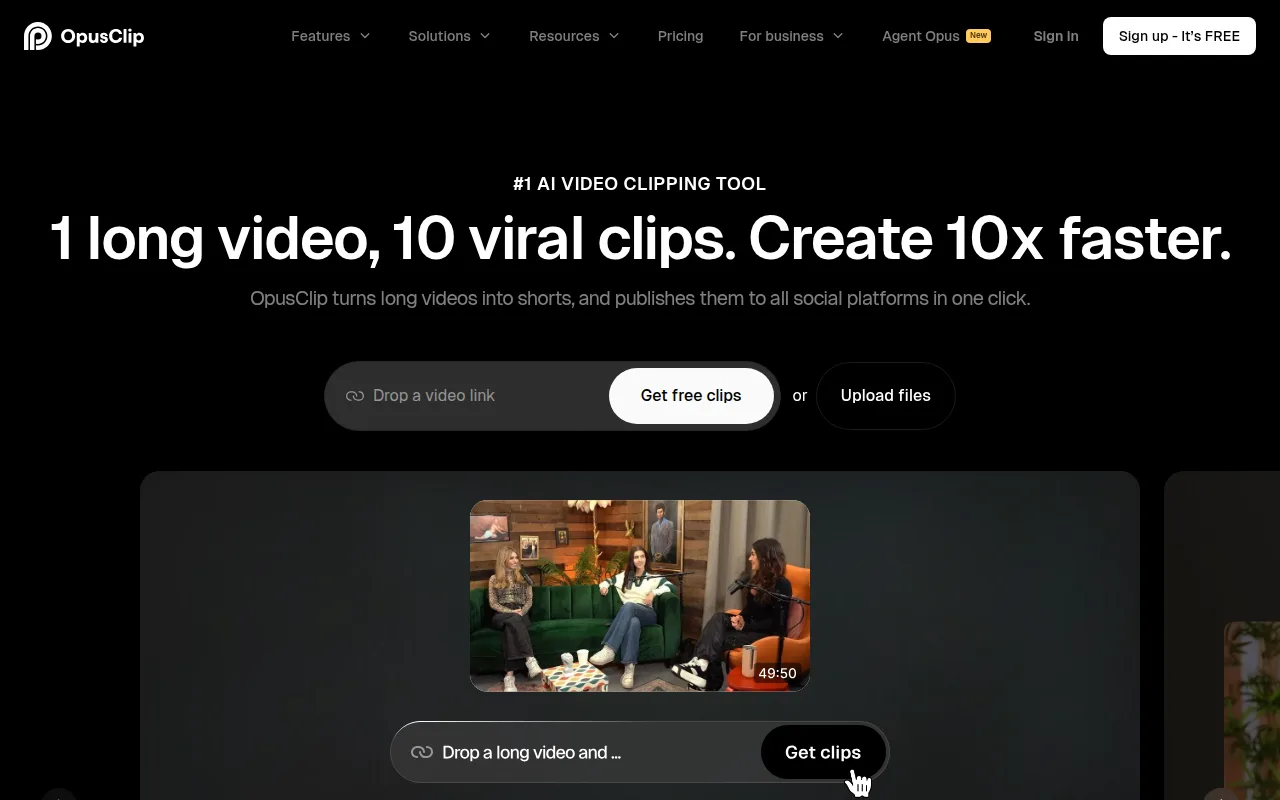
OpusClip (opus.pro; opusclip.com redirects there) is a browser clipper. You drop a long video or a link. It finds moments, cuts them into shorts, burns animated captions, reframes to 9:16, and can post to YouTube Shorts, TikTok, and Instagram Reels.
It is not CapCut. There is a text-and-timeline editor for trims, captions, layouts, and B-roll, but the product is the clip, not a full NLE. It is also not Submagic. Submagic is captions-first. Its long-to-short path is a paid Magic Clips add-on. OpusClip’s job is the opposite: pick the moments first, then caption them.
The clipping model they sell is ClipAnything. Official copy says it uses visual, audio, and sentiment cues, so it can cut vlogs, gaming, sports, explainers, and videos with little or no dialogue, not only talking-head podcasts. You can also type a prompt to pull a specific scene. ReframeAnything is the companion model: resize for a platform and keep a moving subject centered, or steer the track yourself.
A newer product, AI Producer (producer.opus.pro), turns raw footage into a polished ready-to-post video. That path is built around on-camera footage. Faceless operators can ignore it and stay on ClipAnything.
Who it’s for
Use it if you already have a long source and the bottleneck is turning that file into a week of vertical posts. Faceless examples that fit: a 40-minute gameplay session, a stock-plus-voiceover explainer, a compilation, a lecture, a documentary-style cut. ClipAnything is the reason. A podcast clipper that only listens to speech will miss those.
Do not buy it if you start from a script and assemble B-roll in CapCut. This tool needs a finished long video. Also skip the paid jump if you only need captions on clips you already cut. That is Submagic’s job, and CapCut already burns in text for free.
Free is a taste, not a workflow. Official pricing: watermark on captions, no text/timeline editor, 9:16 only, media expires after 3 days. One 60-minute upload burns the whole free allotment, because credits are charged on source length, not on how many shorts you keep.
Standout details
- Credits: official help says processing costs 1 credit per minute of the imported video. A 30-minute file costs 30 credits. Clips under 1 minute round up; partial minutes after that round down (4.5 minutes = 4 credits). You can limit spend with the processing-timeframe slider. Posting to X costs 1 extra credit per post.
- Free: $0, 60 credits/month (help: “60 processing minutes per month”). Up to 1080p, AI captions with emoji and keyword highlights, watermark. No text/timeline editor. Local file (up to 10GB) or YouTube. Export window is 3 days. Aspect ratio is 9:16 only.
- Trial: homepage FAQ. New users get a 7-day Pro trial, 90 minutes of processing (~30 downloadable clips), no credit card.
- Starter: $15/mo. Official pricing page: “Starter plan only available in monthly.” 150 credits/month. Watermark removed. Virality score. Editor. 1 brand template. Filler/pause removal. Social post to YouTube, TikTok, and Instagram. Help adds faster processing plus Drive, Vimeo, Zoom, Rumble, and StreamYard imports. Media expires after 29 days. Aspect ratio stays 9:16.
- Pro: public pricing cards show $29/mo, or $14.50/mo when yearly is selected ($174 billed annually). Monthly Pro is 300 credits. Yearly Pro grants 3,600 credits upfront (pricing tooltip: available instantly; expire in 13 months on that card; help center says yearly credits are valid 12 months). Official extras from the pricing table and help: 9:16 / 1:1 / 16:9, moving object tracking, AI image and stock B-roll, AI video B-roll, social scheduler, XML export to Premiere Pro and DaVinci Resolve, team workspace (2 users per pack, up to 4), 100GB storage, Video Editing API, Scheduler API, and MCP connector. Pricing cards list 2 brand templates; the compare-all-plans table lists up to 4. Extra packs add 300 credits and 2 seats each.
- Business: custom. Contact form. Unlimited seats and storage on the compare table, plus SSO, MSA, dedicated support, and CMS integration.
- Languages on the homepage FAQ include English, German, Spanish, French, Portuguese, Italian, Dutch, Russian, Polish, Indonesian, Ukrainian, Swedish, Turkish, Norwegian, Croatian, Romanian, Slovak, Greek, Danish, Finnish, Hungarian, Czech, Japanese, Korean, Vietnamese, “and more.” Caption accuracy is claimed at “over 97%.” Treat that as marketing. You can still edit the text.
- Layouts: pricing lists screenshare/gameplay layout on Free and up. Help “Adjust Layout” documents Fill, Picture-in-Picture, and Split for B-roll segments.
- Monthly credits expire in 60 days (one-month rollover). Help: yearly credits expire in 12 months. Canceling does not extend them past their original expiry.
Honest verdict
Try it. Run the 7-day Pro trial on a real long video before you pay. If ClipAnything returns three keepers you would actually post, Pro is the plan that matches the product: editor, extra ratios, B-roll, scheduler, and enough credits for a few long sources a month. Starter is cheaper but monthly-only, and a single hour-long file eats 60 of the 150 credits.
If your pipeline is “write a script, pull stock, edit in CapCut,” this is the wrong layer. If you only need captions, stay on Submagic or CapCut. OpusClip earns a slot when you already have the long file and want the shorts extracted, not designed from scratch.