Pexels
Free 4K and HD stock clips (plus photos) you drop over a voiceover so the video never needs your face.
What it is
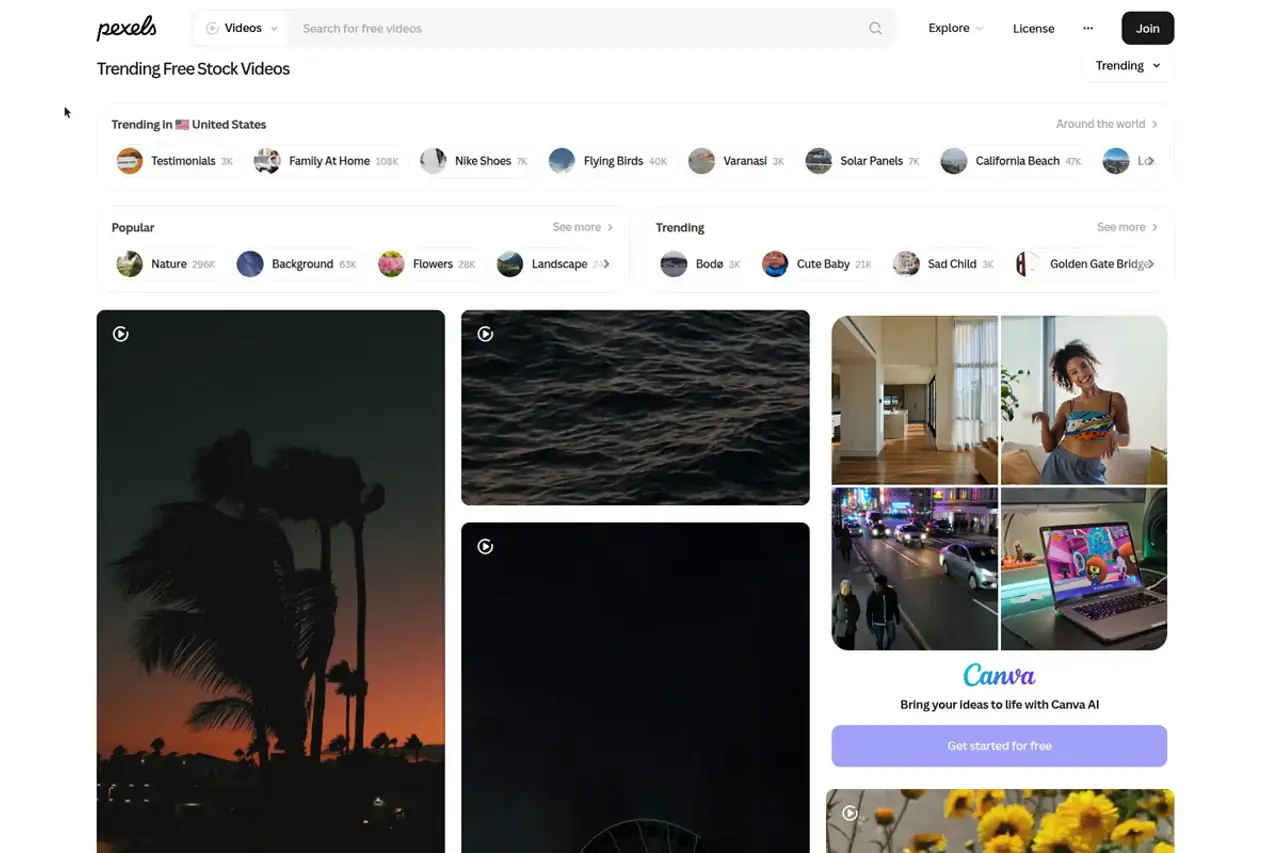
Pexels is a free stock photo and video library. Search, download, drop the clip on a timeline. That is the product.
The homepage sells royalty-free photos and videos. The videos index is titled for 4K and Full HD clips. Official copy says all photos and videos on the site can be downloaded and used for free. A live clip page labels the file “Free to use” and offers MP4 downloads (the sample opened here was 2160x3840, which is 4K UHD in portrait). Download size labels on the site include SD, HD, Full HD, Quad HD, 4K UHD, and 8K UHD. Not every clip has every size.
Pexels is a Canva Germany GmbH brand. Terms of Service last updated 15 November 2024. Footer on the live site is copyright 2026. There is no Pexels subscription to buy. The money, if any, is on sponsored partner tiles that send you off-site.
Use it as coverage. Voiceover first, then pictures. The videos are published without audio on purpose.
Who it’s for
Use it if you never appear on camera and you need footage that matches a script. Nature, cities, hands, offices, food, B-roll searches. Attribution is not required. Commercial YouTube and social use is allowed when you actually make your own video.
Skip it if you need exclusive shots, or if your niche is already flooded with the same Pexels clips. Also skip it for political ads that use identifiable people or trademarks, for anything that puts a recognizable person in a bad light, and for dumping an unedited clip onto a channel as the whole video. That last one is explicitly not allowed.
Standout details
- License summary (official license page): free to use, attribution not required (appreciated), you may modify the files. YouTube is listed as an allowed social destination alongside Facebook and Instagram.
- Full terms grant an irrevocable, worldwide, perpetual, non-exclusive, royalty-free right to download, use, copy, modify, or adapt the content for commercial or non-commercial purposes. Some files are marked CC0 instead. Same practical outcome for a faceless edit: you do not pay, and you do not have exclusive rights.
- Help center (updated 26 Aug 2026): you can upload Pexels images and videos to YouTube as long as they are used to create your own video. Simply re-uploading Pexels content with no modification is not permitted.
- All videos are published without audio. Official reason: keep copyrighted sound out of the library. You add the voice and the music yourself.
- Help center: Pexels will never charge you for a photo or video downloaded from its site or app. Search can still show sponsored partner photos and videos. Those redirect to a partner site where you can buy them. Do not treat those as Pexels-licensed files.
- API search can filter orientation (landscape, portrait, square) and minimum size: large (4K), medium (Full HD), small (HD). The API is free. Default cap is 200 requests per hour and 20,000 per month. Higher limits are also free if you show attribution. Website downloads do not require that credit.
- Limits that actually bite: you cannot sell or redistribute the file standalone (a filter, crop, or resize still counts as standalone). You cannot put it on another stock or wallpaper platform even after you edit it. You cannot use it as a trademark or business name. Identifiable people must not appear in a bad light. Do not imply endorsement by people or brands in the frame. Depicted logos, buildings, and people can still carry third-party rights. Pexels does not warrant that model or property releases exist. If a claim shows up, the terms say stop using that file and delete it.
- Political use of content depicting a person is banned, including promotion of a party, candidate, or viewpoint. TOS also bans pornographic, hateful, and misleading uses.
- Generative-AI uploads are not allowed. Pexels still does not guarantee every file is human-shot.
- iOS and Android apps exist, plus plugins (Chrome, Figma, Sketch, Google Slides, a community MS Office add-in). Useful if you hunt stills. The B-roll job is still: download the MP4, drop it in CapCut.
Honest verdict
Use it. For a faceless channel this is the default free coverage drawer. Search, download, cover the line, move on. You do not pay, you do not have to credit, and YouTube is an allowed destination as long as the clip is inside a video you actually made.
The trade is obvious. The same sunset, office, and drone shot will show up on other channels. Clips are silent, so music and voice are on you. Trademarks and faces in the frame are still your problem. When the same five Pexels clips start repeating in your niche, pay for a library that is less picked over. Until then, start here.